
MyFRITZ!App2.11.3 - App Store
You'll be able to see results in few seconds.
Publisher Description
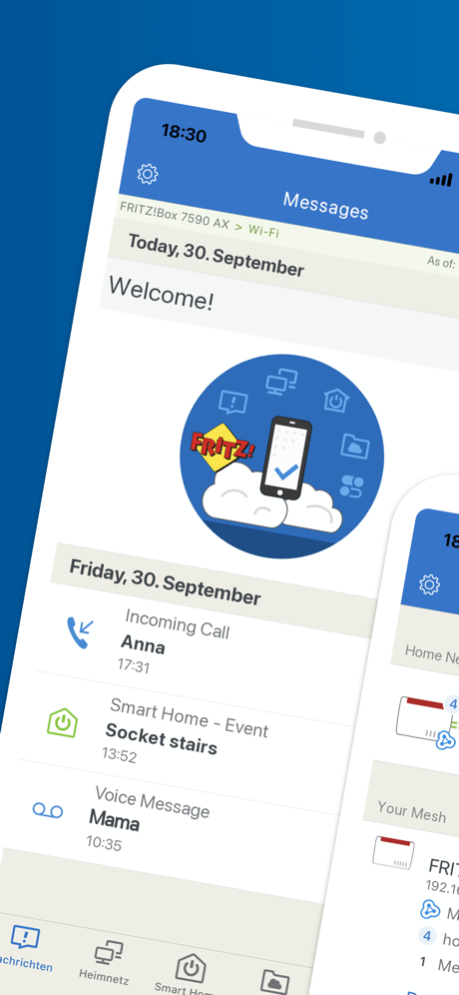
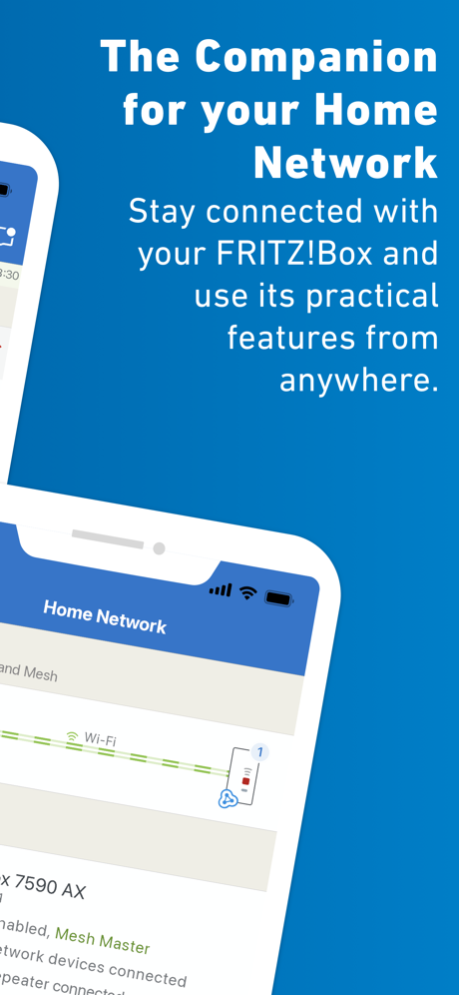
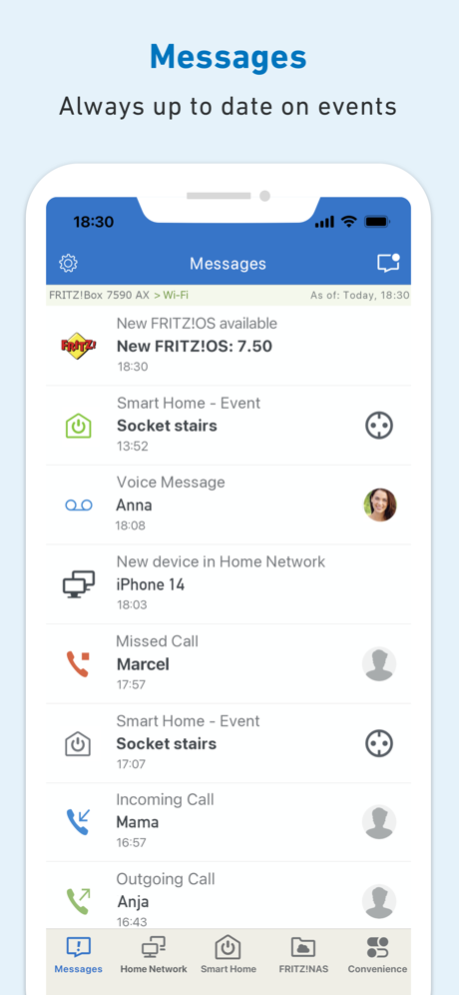
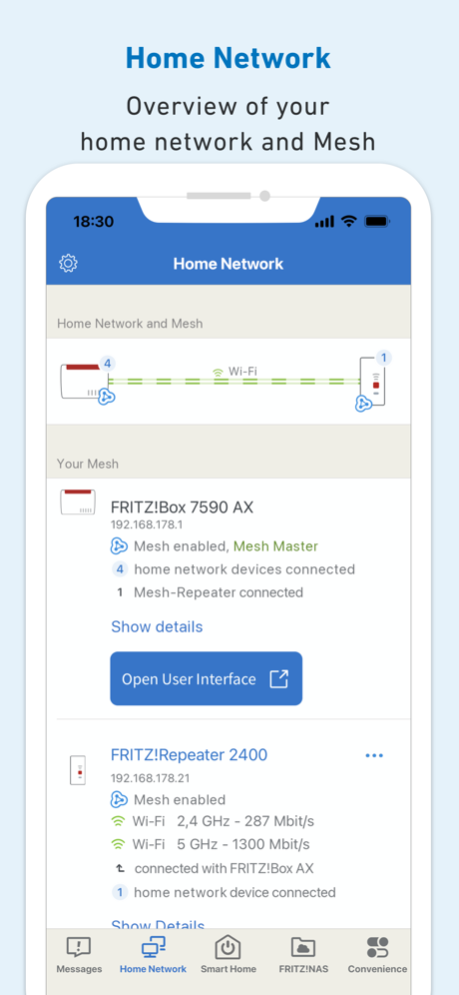
MyFRITZ!App offers you secure and easy access to your FRITZ!Box and home network at home or on the go. The app notifies you within seconds about calls, voice messages, and other events. Enjoy mobile access to the photos, music and other data stored on your FRITZ!Box from anywhere. Use the app to conveniently control your call diversions, smart home plugs and thermostats, answering machines, and other home network devices connected with your FRITZ!Box. If you want to change any settings, simply use the app to open the user interface - from wherever you are.
Prerequisite for using the MyFRITZ!App: FRITZ!Box with FRITZ!OS version 6.50 or higher.
Prerequisite for full scope of functions of the MyFRITZ!App: FRITZ!Box with FRITZ!OS version 7.29 or higher.
If you also want to use all of the functions when you are on the go, the FRITZ!Box must be connected to the internet and have a public IPv4 address.
Frequently Asked Questions:
Question: How can I log into a different FRITZ!Box?
MyFRITZ!App can be used with several FRITZ!Box products. If you want to switch to a different FRITZ!Box, select the desired FRITZ!Box in the app settings (gear) or tap "Add another FRITZ!Box" to register the new FRITZ!Box. To register a new FRITZ!Box, you must be connected to that FRITZ!Box's wireless network.
Question: Why can I no longer switch my wireless network and my guest network using the app?
Several FRITZ!Boxes (for instance, the FRITZ!Box 7490) require FRITZ!OS 7.10, which is currently not available for all FRITZ!Boxes.
Question: Why can't I access my FRITZ!Box when I am away from home?
If you want to change the settings, you must be connected to your FRITZ!Box's wireless network. Make sure that you enabled "Enable use from on the go" in the app's settings.
If you also want to access the FRITZ!Box user interface from on the go, a FRITZ!Box user who has been granted the right "Access from the Internet allowed" must be configured.
Some internet service providers (including many cable providers) provide connections that do not allow you to access the home connection from the internet or certain restrictions apply because no public IPv4 address is provided. MyFRITZ!App normally recognizes that type of connection automatically and displays a corresponding message. These types of connections are called "DS-Lite", "Dual-Stack-Lite" or "Carrier Grade NAT" (CGN). You can ask your provider whether it would be possible to receive a public IPv4 address.
Question: What can I do if there is no update to FRITZ!OS 6.50 or later for my FRITZ!Box?
Unfortunately, in this case you cannot use the MyFRITZ!App.
Question: If I have suggestions for improving the app or discover an error, how can I tell AVM?
We always welcome feedback! Open the app settings (gear) and tap "Give Feedback" to send us a brief message. A log is automatically attached to your message; this also helps us to analyze errors.
Oct 16, 2024
Version 2.11.3
- Improved: Adjustments to stability and details
About MyFRITZ!App
The company that develops MyFRITZ!App is AVM GmbH. The latest version released by its developer is 2.11.3.
To install MyFRITZ!App on your iOS device, just click the green Continue To App button above to start the installation process. The app is listed on our website since 2024-10-16 and was downloaded 0 times. We have already checked if the download link is safe, however for your own protection we recommend that you scan the downloaded app with your antivirus. Your antivirus may detect the MyFRITZ!App as malware if the download link is broken.
How to install MyFRITZ!App on your iOS device:
- Click on the Continue To App button on our website. This will redirect you to the App Store.
- Once the MyFRITZ!App is shown in the iTunes listing of your iOS device, you can start its download and installation. Tap on the GET button to the right of the app to start downloading it.
- If you are not logged-in the iOS appstore app, you'll be prompted for your your Apple ID and/or password.
- After MyFRITZ!App is downloaded, you'll see an INSTALL button to the right. Tap on it to start the actual installation of the iOS app.
- Once installation is finished you can tap on the OPEN button to start it. Its icon will also be added to your device home screen.
Program Details
System requirements
Download information
Pricing
Version History
version 2.11.3
posted on 2024-10-16
Oct 16, 2024
Version 2.11.3
- Improved: Adjustments to stability and details
version 2.11.1
posted on 2024-09-17
Sep 17, 2024
Version 2.11.1
- Improved: Improvements to stability and details
version 2.11.0
posted on 2024-06-03
Jun 3, 2024
Version 2.11.0
- NEW: Wizard for initial configuration of a FRITZ!Box (requires at least FRITZ!OS 7.80)
- Improved: Improvements to stability and details
version 2.10.1
posted on 2024-04-04
Apr 4, 2024
Version 2.10.1
- Fixed: Occasionally no connection to FRITZ!NAS could be established
version 2.10.0
posted on 2024-03-20
Mar 20, 2024
Version 2.10.0
- NEW: The app now can also be set to Dutch, French, Polish, and Spanish
- Improved: Improvements to stability and details
version 2.9.1
posted on 2023-09-21
Sep 21, 2023
Version 2.9.1
- NEW: Support for 6-GHz frequency bands
- Improved: Improvements to stability and details
version 2.9.0
posted on 2023-06-20
Jun 20, 2023
Version 2.9.0
- NEW: Folders can be created in FRITZ!NAS
- Improved: Reworked app settings
- Improved: Support for voice-over in the home network list
- Improved: Improvements to stability and details
version 2.8.1
posted on 2023-03-27
Mar 27, 2023
Version 2.8.1
- NEW: Folders can be deleted in FRITZ!NAS
- Improved: Updated displays of FRITZ! products and network devices
- Improved: Improvements to stability and details
- Fixed: Occasionally no connection to the FRITZ!Box could be established
version 2.6.4
posted on 2022-07-05
Jul 5, 2022 Version 2.6.4
- Improved: The HTTPS port for "Use from on the go" can be changed even when no connection is active
The MyFRITZ!App generally refreshes the HTTPS port automatically when it is opened in the home network.
If the MyFRITZ!App cannot be opened in the home network in the short term, you can find the HTTPS port in the FRITZ!Box user interface under "Internet > Permit Access > FRITZ!Box Services". You can reach the FRITZ!Box user interface from on the go as well if you registered your FRITZ!Box with MyFRITZ!.net.
version 2.6.0
posted on 2022-02-17
Feb 17, 2022 Version 2.6.0
- Improved: Displaying in dark mode (when configured)
- Improved: Indication of FRITZ!App Smart Home included in "Today View" widget
- Improved: Now even easier to set up access to the FRITZ!Box user interface
- Fixed: Incomplete display of active Wi-Fi bands after switching
- Fixed: Incomplete display of some FRITZ!Powerline products under "Home Network and Mesh"
Disclaimer
Official App Store Link
We do not host MyFRITZ!App on our servers. We did not scan it for viruses, adware, spyware or other type of malware. This app is hosted by Apple and passed their terms and conditions to be listed there. We recommend caution when installing it.
The App Store link for MyFRITZ!App is provided to you by apps112.com without any warranties, representations or guarantees of any kind, so access it at your own risk.
If you have questions regarding this particular app contact the publisher directly. For questions about the functionalities of apps112.com contact us.
